이 노트에 대하여
디지털가든을 위한 아이콘과 파비콘, OG 이미지 스펙을 한 번에 정리하며 브랜딩 세트를 구상한다. 작은 시각 요소가 공동체와 정체성에 어떤 역할을 하는지 생각하게 하는 노트다.
BIBLIOGRAPHY
관련노트
히스토리
- 디지털가든 이미지 생성 한다.
- 이맥스 힙스터 커뮤니티 만들려다가
2026 디지털 가든 이미지 생성
영문 프롬프트
● 브랜딩 세트 스펙

  항목: Site Icon
  파일: static/icon.png
  크기: 512 x 512 px (정사각형)
  용도: 브라우저 탭, 북마크, PWA
  ────────────────────────────────────────
  항목: OG Image
  파일: static/og-image.png
  크기: 1200 x 630 px
  용도: SNS 링크 프리뷰

  ---
  Gemini 프롬프트 세트

  프롬프트 1: Site Icon (먼저 생성)

  Design a site favicon/icon for "junghanacs" digital
  garden.

  SIZE: 512x512px square, PNG with white background

  CONCEPT:
  - A single iconic symbol that works at 16px~512px sizes
  - Combine two motifs: a small sprouting seedling (🌱)
  growing FROM a knowledge graph node
  - The node is a circle with 3-4 thin connection lines
  extending outward, like neural/mycelium connections
  - The sprout has 2 small leaves emerging from the top of
   the node
  - Style: organic, hand-drawn feel with clean lines —
  botanical illustration meets network diagram

  COLORS:
  - Main element: muted forest green (#3b8764) with slight
   watercolor texture
  - Node connections: soft gray-green (#94a3b8)
  - Background: clean white (#ffffff)
  - Optional: very subtle green watercolor glow behind the
   central node

  STYLE REFERENCE:
  - Think: if a botanist drew a network graph
  - Minimalist but warm, NOT corporate
  - Must be recognizable and distinctive even at 32x32px
  - No text in the icon

  OUTPUT: 512x512px PNG, white background

  프롬프트 2: OG Image (아이콘 생성 후)

  Design an OG social sharing image for "junghanacs"
  digital garden website.
  Use the SAME visual language as the attached icon
  [여기서 아이콘 이미지 첨부].

  SIZE: 1200x630px, PNG with white background

  LAYOUT:
  - Center-left: "junghanacs" in a distinctive serif or
  semi-serif font with personality
    — NOT plain sans-serif, think: literary/editorial feel
    — the "j" should have character (ligature or swash
  feel)
    — dark charcoal color (#2d3748)
  - Below main text: "Digital Garden" in lighter weight,
  muted green (#3b8764)
  - Bottom: "notes.junghanacs.com" in small muted gray
  (#94a3b8)

  ILLUSTRATION:
  - Expand the icon's motif into a larger organic network
  pattern
  - Interconnected nodes with botanical elements (small
  leaves, sprouts at some nodes)
  - The network wraps around the text organically, like
  vines framing a garden entrance
  - Watercolor-style soft green splashes behind the nodes
  - Connections extend to the edges, suggesting infinite
  growth

  STYLE:
  - SAME style as the current image I already generated
  (see reference)
  - White background with organic green network,
  watercolor touches
  - Elegant typography is KEY — "junghanacs" should feel
  like a personal brand, not a generic label
  - Balance between botanical illustration and data
  visualization aesthetic
  - Generous white space in the center for readability

  IMPORTANT:
  - The icon and this OG image should feel like the SAME
  brand
  - The sprouting node motif from the icon should appear
  recognizably in this image
  - Font for "junghanacs" should have personality —
  consider a modern serif with slight calligraphic quality

  OUTPUT: 1200x630px PNG, white background

  ---
  순서: 아이콘 먼저 → 아이콘 첨부하여 OG 이미지 생성 —
  이러면 Gemini가 일관된 비주얼로 만들어줍니다.
나노바나나 결과물
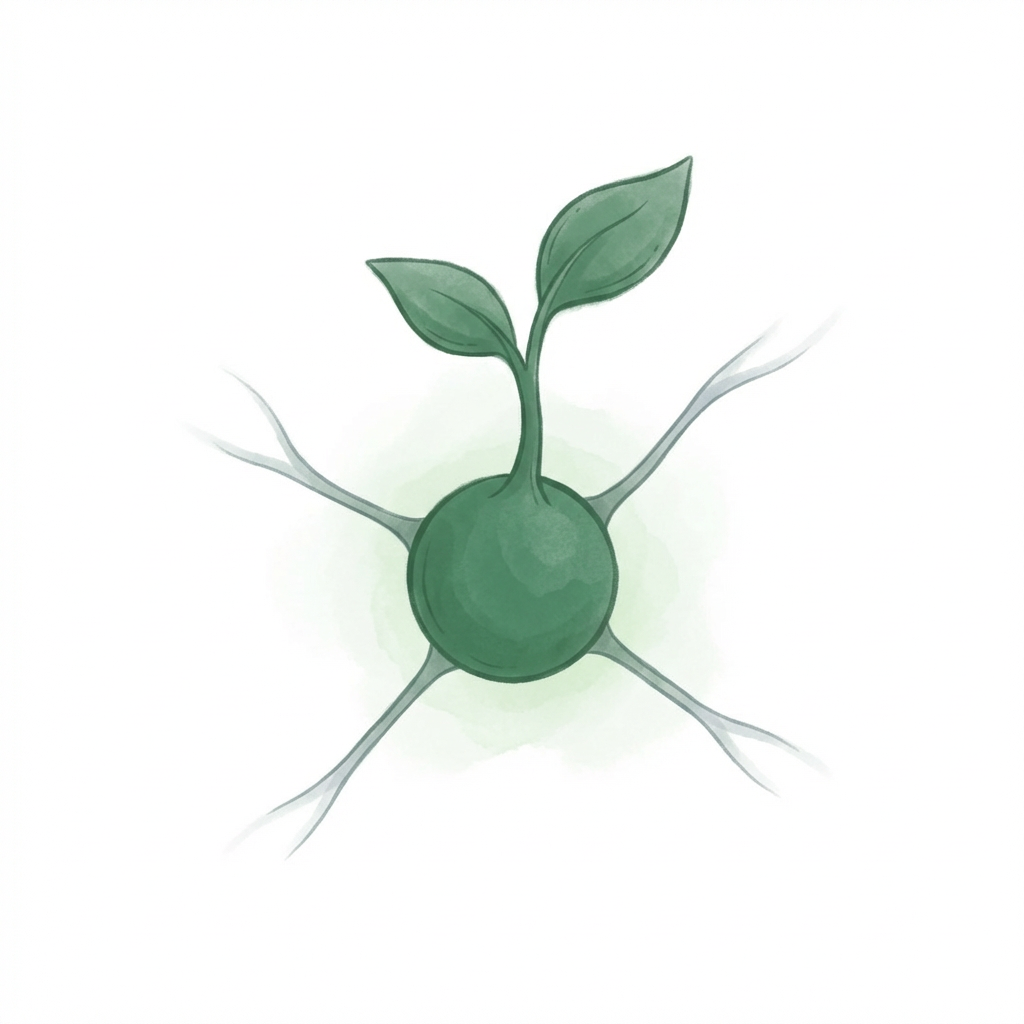
아이콘 파비콘
 width=“80%” >
"junghanacs" 디지털 정원의 사이트 아이콘과 OG 소셜 공유 이미지를 성공적으로 생성했습니다. 요청하신 모든 디자인 컨셉과 스타일을 반영하여 통일된 브랜드 아이덴티티를 구현했습니다.

1. 사이트 아이콘 (Favicon)
지식 그래프 노드에서 자라나는 새싹을 표현한 아이콘입니다. 작은 크기에서도 명확하게 인식될 수 있도록 디자인되었으며, 식물 삽화와 네트워크 다이어그램이 만난 따뜻하고 미니멀한 스타일을 보여줍니다.


Generated Image
크기: 512x512px (PNG, 흰색 배경)
개념: 지식 그래프 노드에서 자라나는 새싹 (🌱 + 연결된 원형 노드)
스타일: 식물 삽화 느낌의 네트워크 다이어그램, 유기적인 핸드 드로잉 선, 수채화 질감
색상: 뮤트한 포레스트 그린(#3b8764), 부드러운 청록색(#94a3b8), 흰색(#ffffff), 미묘한 녹색 수채화 글로우
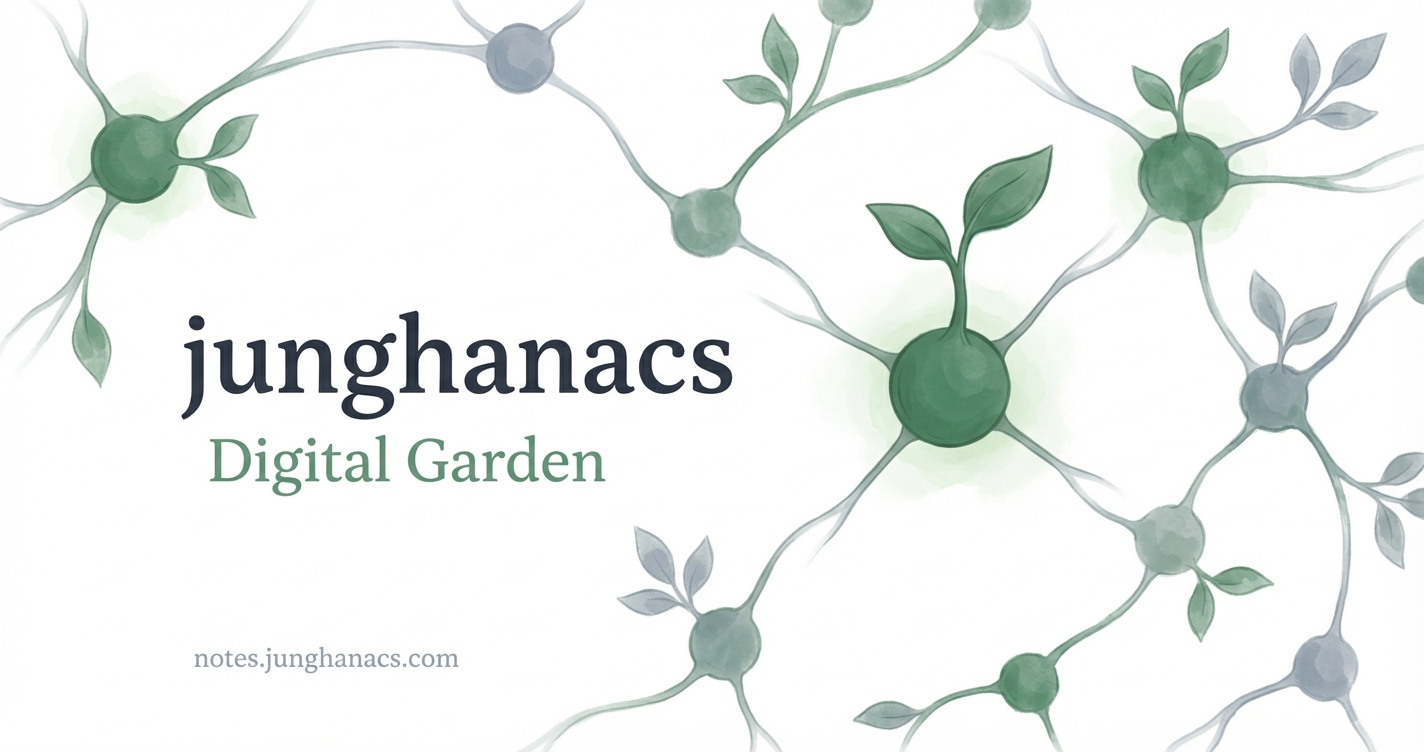
2. OG 소셜 공유 이미지
위 아이콘의 모티브를 유기적인 네트워크 패턴으로 확장하여 디자인한 소셜 공유 이미지입니다. 아이콘과 동일한 시각적 언어를 사용하며, 개성 있는 타이포그래피와 식물 데이터 시각화 요소를 조화롭게 배치하여 "junghanacs" 디지털 정원의 아이덴티티를 표현합니다.
OG이미지
 width=“80%” >
Generated Image
크기: 1200x630px (PNG, 흰색 배경)
레이아웃:
중앙 왼쪽: "junghanacs" (진한 차콜, 개성 있는 세리프)
그 아래: "Digital Garden" (뮤트한 그린, 가벼운 두께)
하단: "notes.junghanacs.com" (작은 뮤트 그레이)
일러스트: 아이콘 모티브를 확장한 유기적인 네트워크 패턴, 텍스트를 감싸는 프레임, 수채화 터치
스타일: 아이콘과 동일한 스타일 유지, 우아한 타이포그래피, 충분한 여백
2025 텍스트 힙스터 이미지 생성
이미지 어디갔지?
2025-02-23 W07
@user gptel 이미지 생성 가능해?
@assistant 현재 gptel 은 Emacs에서 LLM 클라이언트로 작동하며, 이미지 생성 기능을 제공하지 않습니다. gptel 은 주로 텍스트 기반의 작업에 사용됩니다. 이미지 생성을 위해서는 DALL-E 2 나 Bing Image Creator 와 같은 별도의 도구를 사용해야 합니다.
Bing Image Creator 는 Microsoft 계정으로 로그인하여 사용할 수 있으며, 영어 프롬프트를 통해 이미지를 생성할 수 있습니다[1]. DALL-E 2 는 OpenAI에서 제공하는 이미지 생성 도구로, 다양한 스타일의 이미지를 생성할 수 있습니다[3].
Citations: [1] https://brunch.co.kr/@skychang44/526 [2] https://www.youtube.com/watch?v=QSNffdVyX88 [3] https://filmora.wondershare.kr/chatgpt/how-to-generate-image-with-chatgpt.html [4] https://github.com/karthink/gptel [5] https://blog.naver.com/sys725/223413125969
@user
Comments